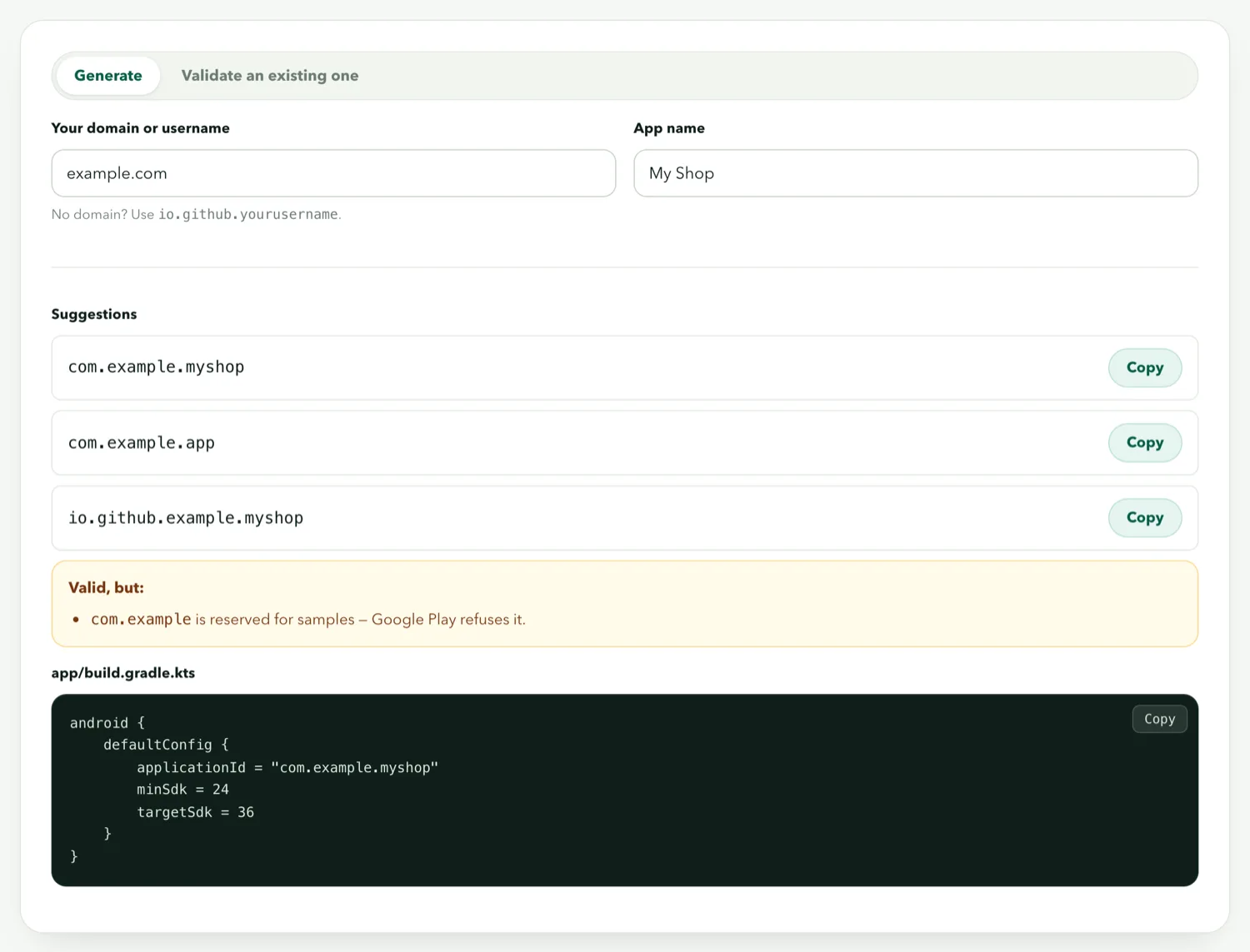
The package name — the applicationId in Android terms — is a short dotted string like com.yourshop.app that identifies your app to Android and to Google Play. Every app on a phone has a unique one; two apps with the same package name are, to the system, the same app. It is set once, before the first build, and after the app is published it can never change. For a website app the natural choice is your domain, reversed, with a word added — and that is what the builder suggests.
What it is used for
- Identity on the phone. Installing an APK with a package name that already exists on the device is treated as an update — if the signature matches — or refused if it does not.
- Identity on Google Play. The listing URL is
play.google.com/store/apps/details?id=com.yourshop.app. Reviews, install counts and ranking are attached to it. - Deep links and integrations. Push-notification services, analytics and Android's app-links system all key on it.
Change it and you have a different app: a new listing with zero installs, and existing users see a second icon rather than an update.
The syntax rules
- At least two segments separated by dots (
com.shopis valid;shopis not) - Each segment starts with a letter, then letters, digits or underscores
- Lowercase by convention, and required by Play in practice
- No hyphens — a domain like
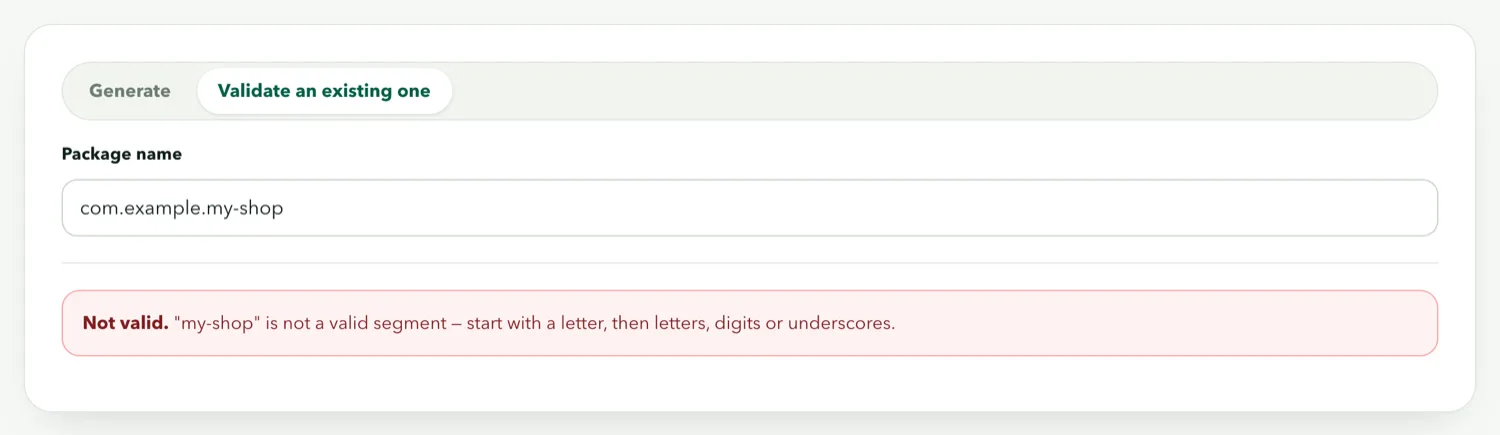
my-shop.combecomescom.myshoporcom.my_shop - No Java keywords as a segment:
com.new.appandcom.int.shopfail the build - Never
com.example,com.testorcom.android— Play rejects the first two and the third is reserved
The generator applies every rule and shows what it changed and why:
Why reverse-domain naming
The convention exists to guarantee uniqueness without a registry. You own yourshop.com; nobody else can honestly start a package name with com.yourshop. It also tells anyone reading the name who published it. You do not need to own the domain for the build to succeed, but if you do not, pick something distinctive enough that nobody else will plausibly use it — com.myapp.app is asking for a collision.
What happens when it is wrong
| Mistake | Result |
|---|---|
| Uppercase letters | Builds, but Play flags it and some tools break |
| Hyphen or space | Build fails before compiling |
Segment starting with a digit (com.3dshop) | Build fails |
Java keyword (com.new.app) | Build fails with a confusing compiler error |
com.example.anything | Builds, installs, rejected by Play at upload |
| Same name as a published app you do not own | Play refuses the upload |
Choosing one you will still like
Use the domain the site will have, not the one it has today, if a move is planned. Use the brand, not the product — com.yourshop.app outlives com.yourshop.summersale. Keep it short; three segments is plenty. And write it down somewhere you keep the signing key, because the two together are what let you update the app for as long as it exists.